
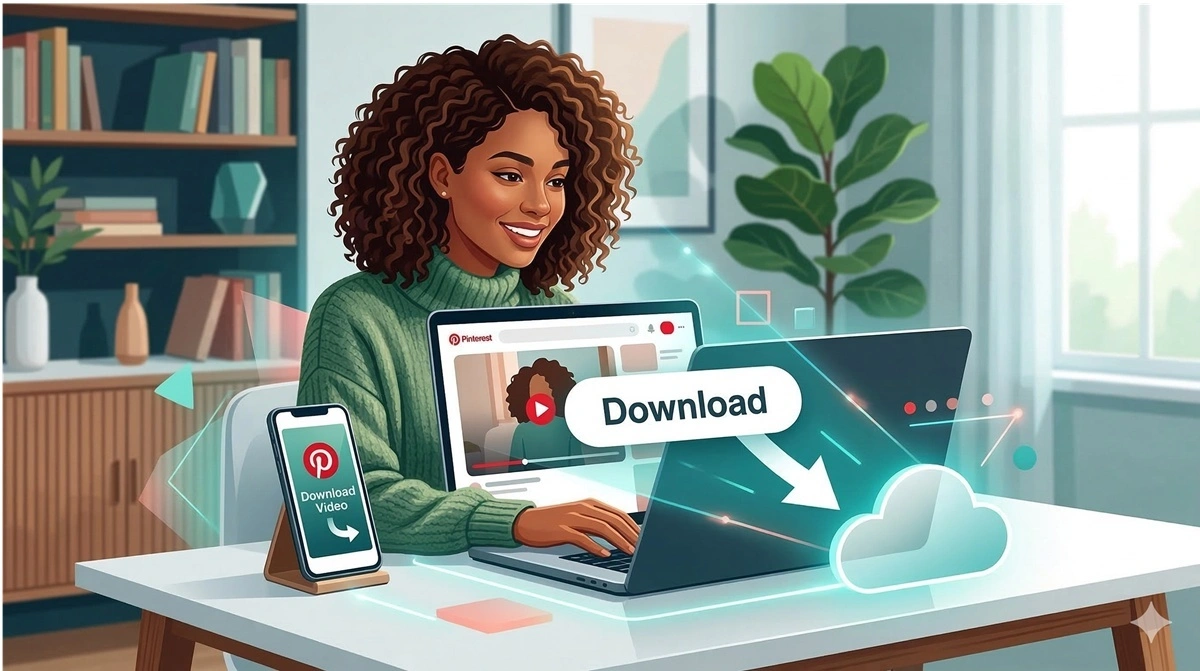
How to Download Pinterest Video in 2026 (Free & Easy Step-by-Step Guide)
March 1, 2026 • 6 min read
Pinterest is one of the most popular platforms for discovering inspiring videos — from home decor ideas and cooking tutorials to fashion lookbooks and fitness routines. But Pinterest doesn't offer a built-in download button for most videos. So, if you've ever wondered how to download Pinterest video to your phone or computer, you're in the right place.
In this step-by-step guide, you'll learn exactly how to download videos from Pinterest for free, on any device — iPhone, Android, PC, or Mac — using SavePin, the best Pinterest video downloader available in 2026.
Ready to download your Pinterest video right now?
Use SavePin — free, fast, no registration needed.
Why You Can't Download Pinterest Videos Directly
Pinterest allows you to save pins to your boards, but saving a pin is not the same as downloading the actual video file to your device. The native "Save" feature just bookmarks the content on your Pinterest account — the video stays on Pinterest's servers and requires an internet connection to watch.
This is why millions of people search for how to save video from Pinterest every month. Whether you want to watch offline, repurpose content for creative projects, or simply keep a backup — a dedicated Pinterest video downloader like SavePin is the easiest and safest solution.
How to Download Pinterest Video Using SavePin (Step-by-Step)
Follow these simple steps to download any Pinterest video in seconds:
-
Find the Pinterest video you want to download.
Open Pinterest (in a browser or the app), browse or search, and find the video pin you want to save. -
Copy the Pinterest video URL.
- On mobile (iPhone & Android): Open the pin, tap the three-dot menu (⋯) in the top-right corner, then tap "Copy link".
- On desktop (PC & Mac): Open the pin, click the three-dot icon, then click "Copy link". Or simply copy the URL from your browser's address bar.
-
Open SavePin Pinterest Video Downloader.
In a new browser tab, go to thesavepin.com — our free Pinterest video download tool. No sign-up or installation required. -
Paste the Pinterest video link.
Click the input box and paste the copied URL (Ctrl+V on PC, or long-press & Paste on mobile). -
Click the "Download" button.
Hit the red Download button. SavePin will instantly fetch the video and show you available quality options. -
Choose your quality and save.
Select your preferred resolution — 1080p HD, 720p, 480p, or lower — then tap Download to save the video file directly to your device.
How to Download Pinterest Video on iPhone
- Open the Pinterest app → find your video → tap the share icon → Copy link.
- Open Safari and go to thesavepin.com.
- Paste the link and tap Download.
- Long-press the download link that appears → tap "Download Linked File".
- The video will be saved to your iPhone's Files > Downloads folder.
- Open the Files app → find the video → tap and hold → select "Save Video" to move it to your Photos.
How to Download Pinterest Video on Android
- Open the Pinterest app or website → find the video → tap ⋯ → Copy link.
- Open Chrome or your preferred browser and go to thesavepin.com.
- Paste the link into the input box and tap Download.
- Select your preferred quality. The video will download directly to your Downloads folder.
- Open your Gallery or Files app to find and play the downloaded video.
How to Download Pinterest Video on PC / Mac
- Visit Pinterest in your browser → find the video → click the three-dot menu → Copy link.
- Open a new tab and go to thesavepin.com.
- Paste the URL and click Download.
- Right-click the download link → Save link as… → choose a save location on your PC or Mac.
Video Quality Options Available on SavePin
| Quality | Resolution | Best For |
|---|---|---|
| Full HD | 1080p | Desktop viewing, editing, presentations |
| HD | 720p | General mobile & tablet use |
| Standard | 480p | Saving storage space on mobile |
| Low | 360p / 240p | Slow connections, quick previews |
Why SavePin is the Best Pinterest Video Downloader
- 100% Free — No subscriptions, no hidden fees, unlimited downloads.
- No App Required — Works entirely in your browser. No installation needed.
- No Registration — Just paste & download. No account needed.
- Multiple Resolutions — Choose from 1080p down to 240p.
- Fast Processing — Videos are ready in 3–5 seconds on average.
- All Devices Supported — iPhone, Android, Windows, Mac, Linux.
- Supports Videos, Images & GIFs — One tool for all Pinterest content.
- No Watermarks — Downloads are clean originals, no overlays.
Download any Pinterest video right now — completely free!
→ Try SavePin Free Pinterest Video DownloaderIs It Legal to Download Pinterest Videos?
Downloading Pinterest videos for personal, offline viewing is generally considered acceptable. However, you should never redistribute, publish, or use downloaded videos commercially without the copyright holder's permission. Always respect creators' intellectual property.
Frequently Asked Questions
Conclusion
Knowing how to download Pinterest videos is incredibly useful for saving inspiration, watching offline, or repurposing content for personal projects. With SavePin, the process takes just seconds — no software, no sign-up, no cost.
Start downloading Pinterest videos for free right now!
→ SavePin — Free Pinterest Video Downloader